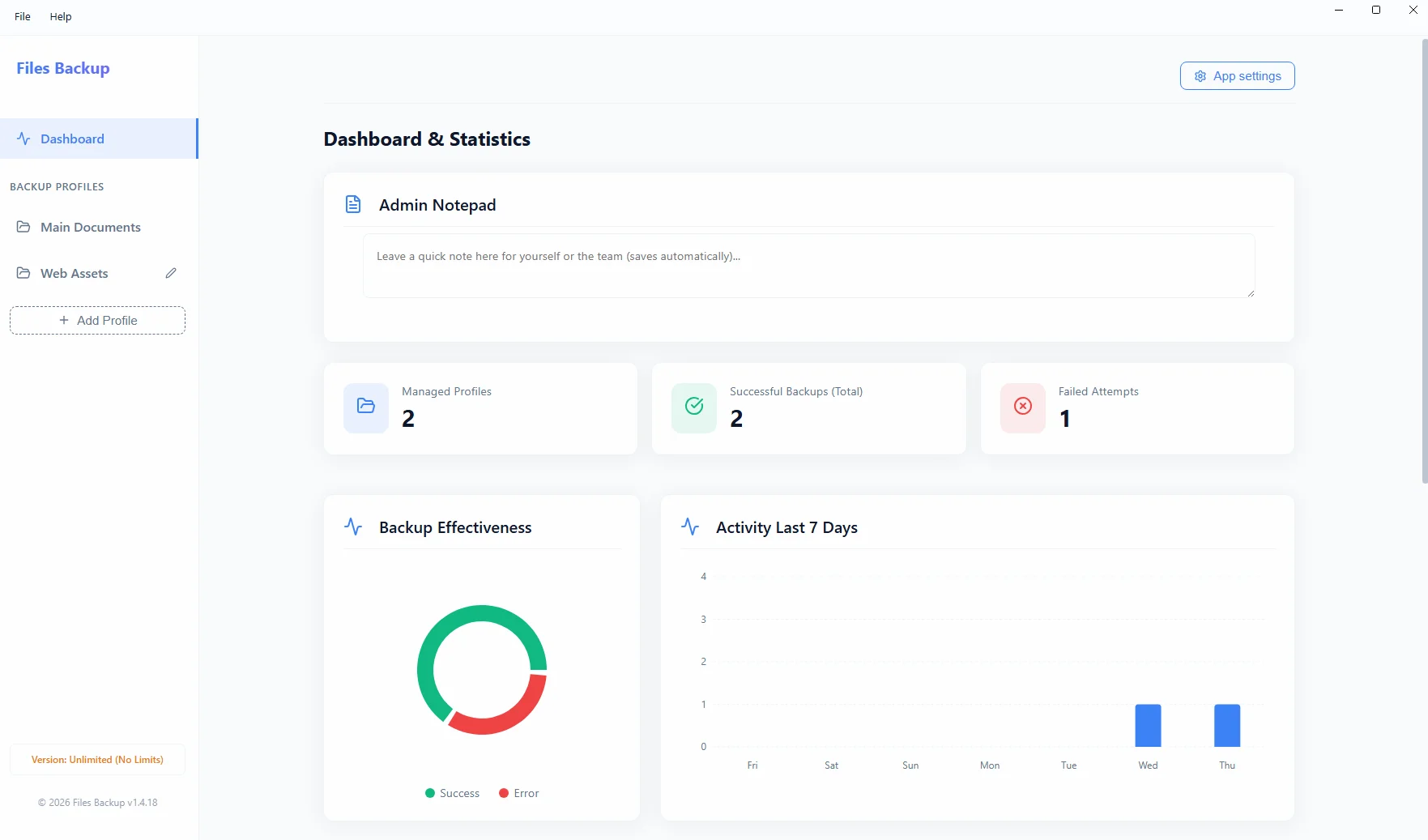
Fast and effective SQL backup nowadays requires great flexibility, especially during deployment. Portable applications prove that professional server backup can be launched on Windows in just a few seconds, completely bypassing registry integration.
Every Windows server administrator has their own software deployment standards. Some prefer classic installers integrating with the system, while others seek instant solutions that require no registry interference. Forcing a single format by software creators can be frustrating.
Flexibility Tailored to Your Infrastructure
Advanced software, such as that from the Project Backup family, respects these standards by offering its tools in two variants. Do you have a restrictive environment and want to deploy the program classically? You use the Installer version (.exe). Do you need a quick, surgical database dump without cluttering the OS? You download the Portable version.
No Hidden Catches
Regardless of the chosen format, these applications run natively on Windows and possess 100% of their capabilities (including SMTP notifications or Task Scheduler integration). Giving the user an "Out of the box" choice is the foundation of creating a friendly and secure IT (Disaster Recovery) ecosystem within a company.