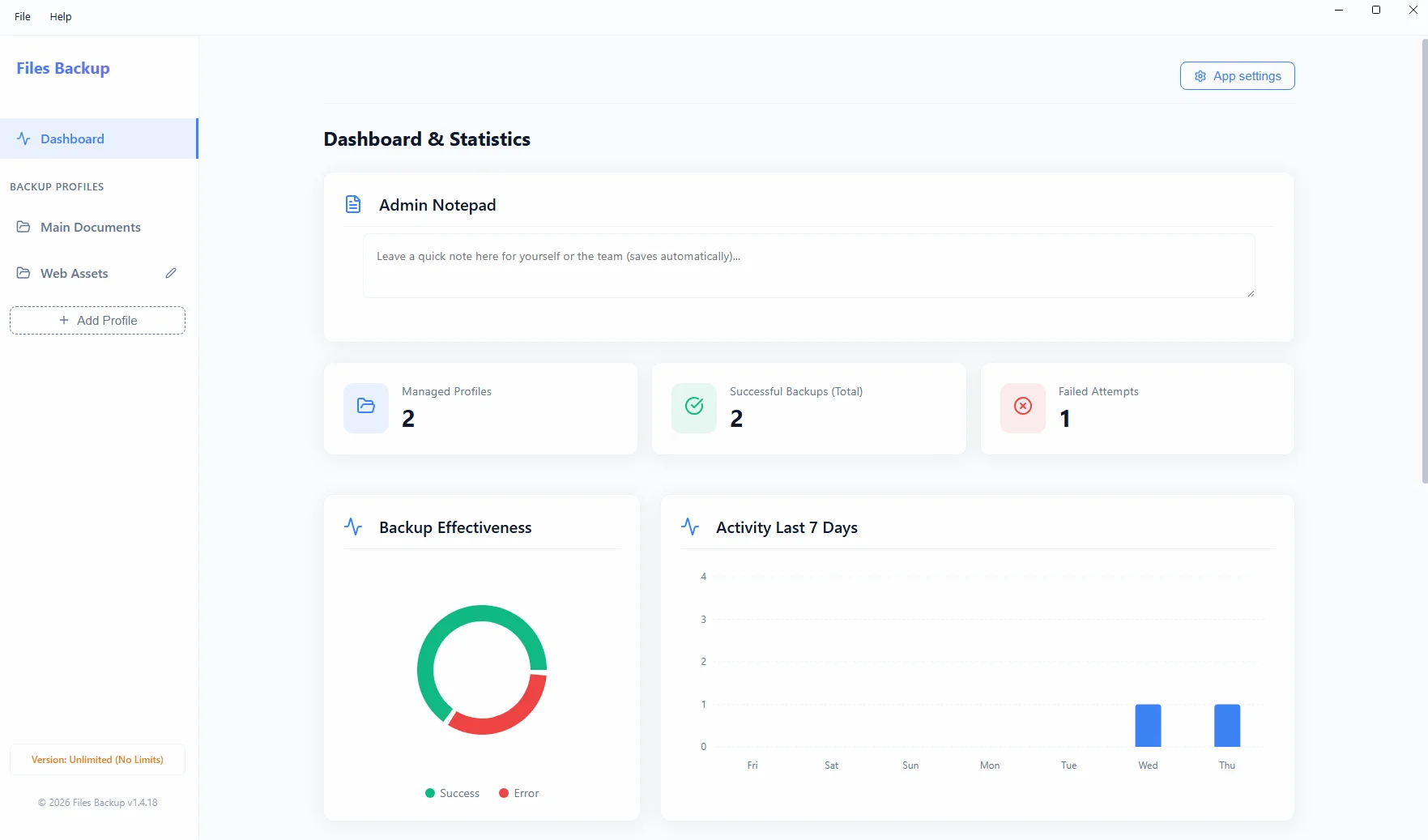
When planning your company data backup, you must make a crucial decision regarding the physical location of your archives. Configuring your system to perform an automated backup to an external drive is an excellent method of isolating critical files from threats coming from an open local network.
Corporate cloud packages are powerful but also very expensive, often restricting small businesses with gigabyte limits. A smart IT budget solution is storing your own backups on mapped network drives (NAS) or physical external drives.
The Power of the Internal Network (NAS)
Saving files via a dedicated program straight to a network drive in your office (a mapped network drive) guarantees lightning-fast transfer and an absolute lack of recurring data storage fees.
External Media: Your Own Vault
The simplest, cheapest, and highly effective backup method is rotational saving to an encrypted hard drive plugged directly into the main server. The software natively copies SQL database dumps onto it, allowing for quick, physical disconnection of the drive at the end of the workday – providing 100% protection against any network intrusion.