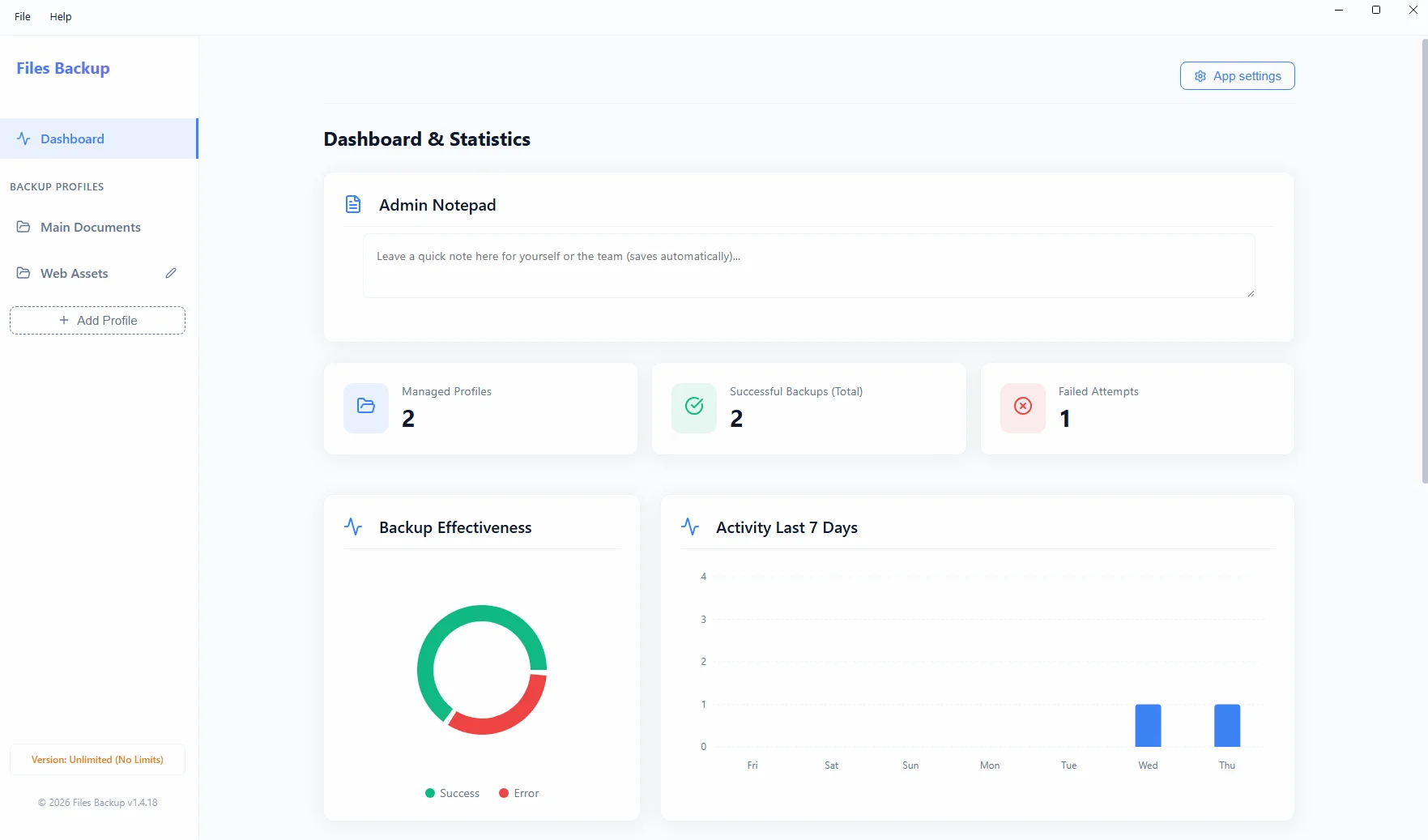
The free Cobian Backup software is an absolute legend in the IT industry. For years, it faithfully served administrators in securing files on Windows servers. Unfortunately, in the dynamic world of data security, relying on abandoned software is asking for trouble. More and more companies are looking for modern, lightweight On-Premise alternatives backed by active developers.
Summary: Cobian Backup is a great free tool from the past that is currently no longer actively patched against modern threats. The lack of technical support poses a massive risk for accounting offices and businesses. Files Backup from Project Backup is a modern, fully supported On-Premise alternative offering dedicated support, ransomware resistance, encrypted ZIP archives, and an incredibly intuitive interface.
The Risk of Using Abandoned Software
Cobian Backup has stopped in time. Although it still runs on many machines, the lack of updates for newer Windows Server systems, evolving TLS security standards, and mail protocols means that at the first major failure, the administrator is left entirely on their own. In a company processing financial data, this is unacceptable.
Feature Comparison for 2026
| Feature | Cobian Backup | Project Backup (Files Backup) |
|---|---|---|
| Support and Development | None (legacy/handed-over project) | Active development and priority email support |
| User Interface | Outdated, complex layout | Modern, lightweight, and clean (Electron) |
| SMTP Reporting | Outdated protocols, frequent TLS errors | Modern, reliable email notifications |
| Ransomware Resistance | Low (no dedicated shields) | Network NAS save with independent credentials |
Evolution Instead of Revolution
Upgrading to newer software is a natural step in evolution. Files Backup doesn't force you into expensive cloud subscriptions (SaaS). The application is purchased once (lifetime license), and your files remain exactly where you want them – on an external USB drive or network NAS server. It's a return to the roots of full privacy (Zero-Cloud), but with a modern, secure engine under the hood.