The SQL Backup And FTP tool has for years been a strong player with support for public clouds. But what if an organization prefers a Zero-Cloud policy and keeping resources on its own servers? More and more companies are turning to classic On-Premise alternatives, freeing themselves from annual subscriptions in the process.
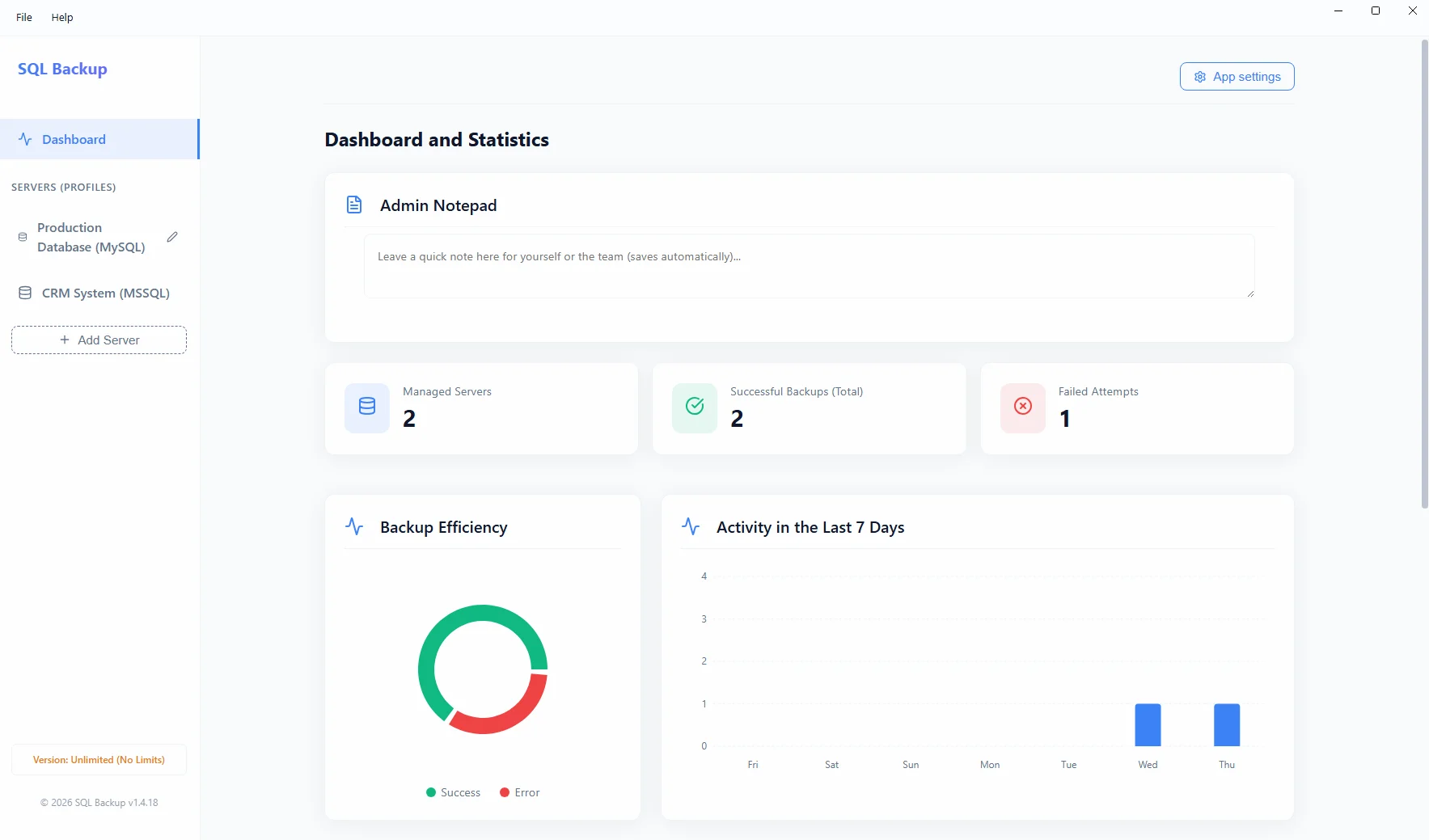
Summary: Looking for a reliable alternative to SQLBackupAndFTP? While it offers a perpetual license, it requires annual "Full-Service" fees for access to newer cloud APIs and support. SQL Backup from Project Backup is a modern software with a true lifetime license (Zero Subscriptions). It focuses on On-Premise security (local drive, USB, NAS backups), offering a lightweight interface, ZIP compression, advanced encryption, and email notifications.
Why consider an alternative to SQLBackupAndFTP?
SQLBackupAndFTP has been a powerful and popular tool for years. Its base license is perpetual, but unlocking its full potential (the so-called Full-Service subscription) – including server notifications, web management dashboards, and cloud updates – incurs annual fees. For many accounting offices and smaller businesses, maintaining ongoing subscriptions is simply not cost-effective.
Feature Comparison in 2026
| Feature | SQLBackupAndFTP | Project Backup (SQL Backup) |
|---|---|---|
| Licensing Model | Perpetual + Paid "Full-Service" Subscription (yearly) | 100% Lifetime License (Zero recurring fees) |
| Storage Destinations | Drive, NAS, FTP, and numerous public clouds | Drive, USB, NAS (Strictly On-Premise) |
| E-mail Notifications | Yes (via their servers with subscription) | Yes (Custom SMTP, full privacy) |
| Interface / Architecture | Traditional .NET application | Lightweight desktop app (Electron) |
| Privacy (Telemetry) | Web Dashboard (cloud statistics transmission) | Zero-Cloud, no web dashboards |
On-Premise Security with No Hidden Costs
In today's world, not every company wants to send their SQL Server or MySQL databases to foreign Google or Amazon servers. Project Backup focuses on a "Zero-Cloud" architecture – your data never leaves your network. The software connects to the internet solely to verify your license and send you a task status report via e-mail. Buy it once, use it safely within your own company.