FBackup is an often-chosen free tool that tempts administrators with its popularity. However, when a small company grows and begins to process sensitive personal data and accounting documents strictly according to GDPR requirements, it quickly turns out that basic, free solutions do not provide crucial security mechanisms.
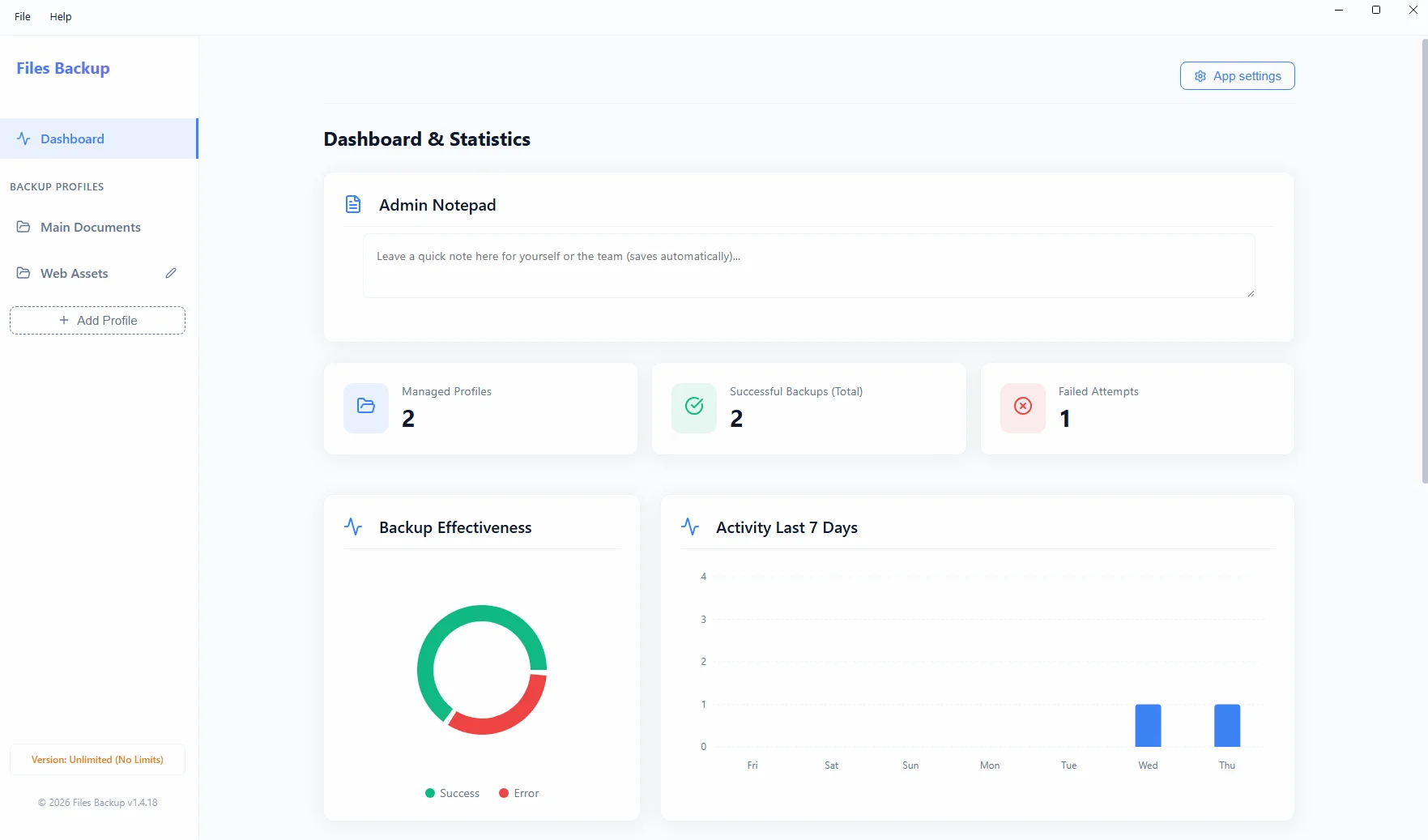
Summary: Looking for a secure and cost-effective alternative to FBackup? The free version of FBackup is deliberately stripped of key business features (e.g., no password protection for ZIP archives, which is fatal for GDPR compliance). Files Backup from Project Backup is professional software with a lifetime license that provides premium-class tools – including strong cryptographic algorithms, full email reporting, and a "Zero-Cloud" guarantee – at a very affordable, one-time price.
Where the Free Version Ends
Many companies install the free FBackup thinking they have ticked the security box in their network. However, in the event of an audit or a successful hacker attack, they discover that their archived directories (accounting files, employee certificates) lie on an external drive as a plain, fully accessible, unencrypted archive. To enable strong encryption (AES), the user must ultimately purchase a much more expensive, corporate license of the parent program from the same manufacturer (Backup4all).
Feature Comparison – What Are You Missing Out On?
| Feature | FBackup (Free version) | Project Backup (Files Backup) |
|---|---|---|
| Archive Encryption (Password) | None (requires paid upgrade) | Yes, AES-256 standard and data leak protection |
| Email Notifications | No failure logs sent | Yes, extensive SMTP alerts |
| Privacy and Philosophy | Tracking modules and Pro version purchase reminders | Zero telemetry, 100% On-Premise |
| Cost Transparency | Limited features as an upgrade bait | One simple Lifetime License for all features |
File Security Without Catches and Ads
For an administrator or business owner caring for the image and stability of an SMB, an infrastructure protection program by definition cannot be an advertising tool. With Files Backup, you don't waste time clicking through upgrade prompts. You receive a powerful, discreet, and fully self-sufficient desktop tool that protects your enterprise secrets night after night, generating only silent summary reports to your inbox.