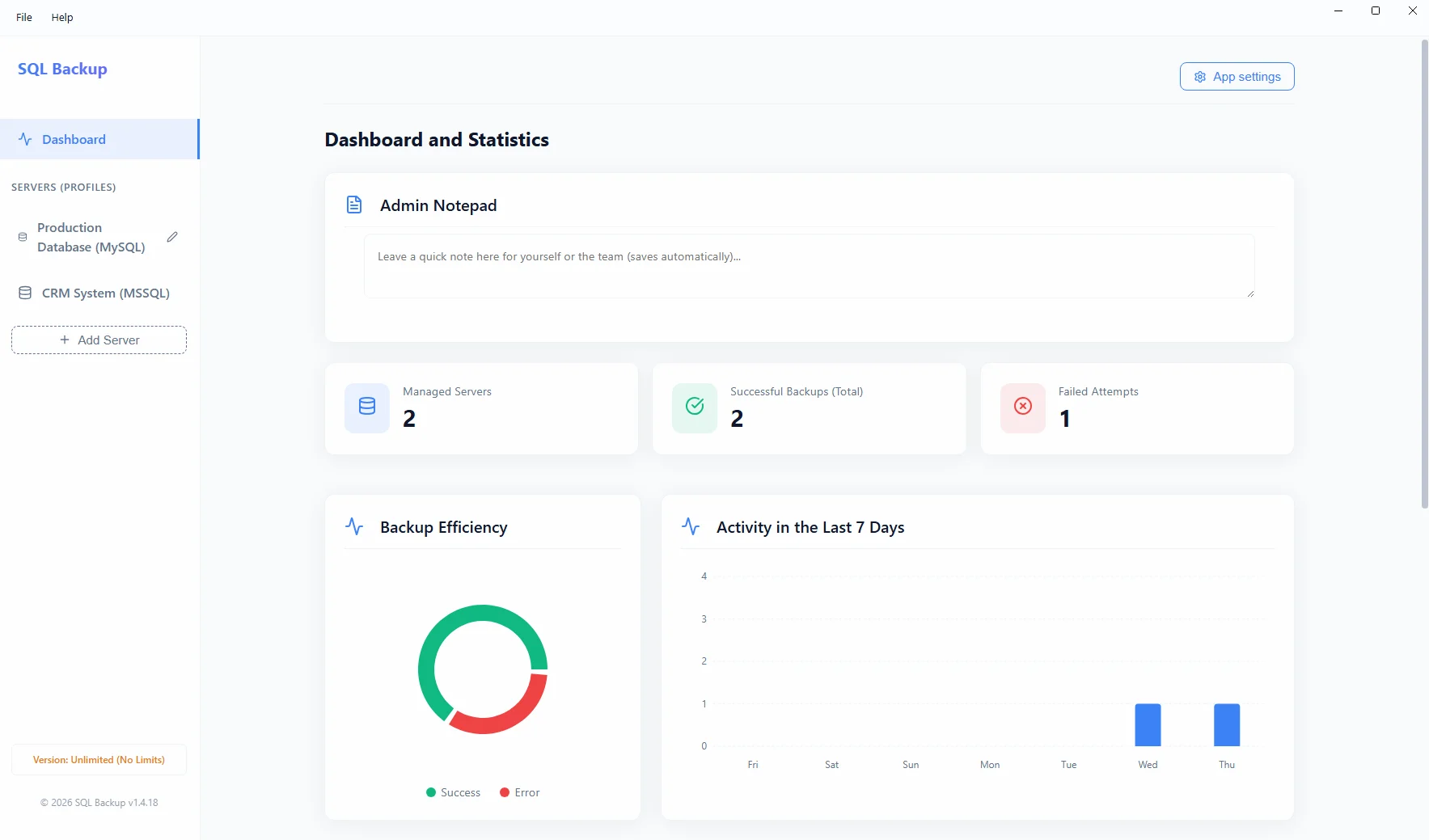
Choosing the right software for your company is quite a challenge, but database backup automation should be an absolute priority in this process. A solidly implemented, automated SQL backup is not just protection against the loss of critical financial data, but also an effective shield against human errors.
In today's dynamic digital world, data forms the foundation of every modern enterprise. Despite this, small and medium businesses often rely on manual procedures for backing up their ERP systems, generating a huge risk of human error.
The Dangers of Manual Backups
Manual export of databases, such as Microsoft SQL Server (MSSQL) or MySQL, requires discipline and time. A hard drive failure on a local Windows server can then mean the irretrievable loss of weeks of work for the entire office.
The Solution: Full Automation
Using professional software installed locally on Windows (e.g., SQL Backup) solves this problem. The application ensures that database dumps are executed in the background without user intervention, packed into lightweight archives, and securely distributed to target drives.